
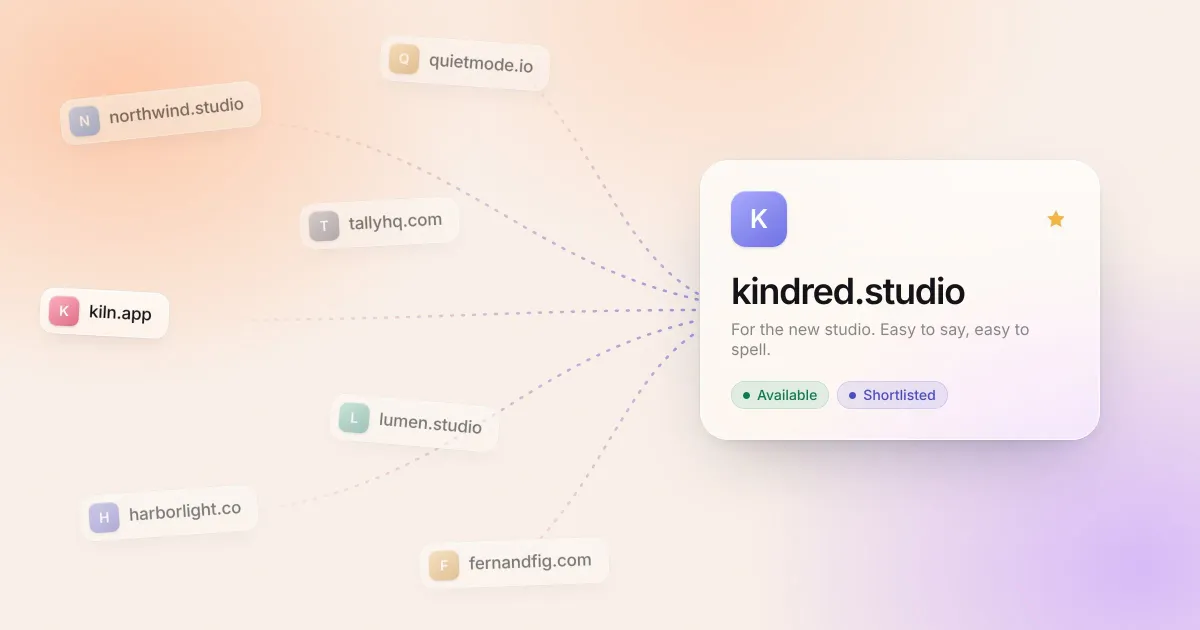
If you’ve ever named a project, you know the pattern. The good name arrives in the shower, on a walk, or halfway through a meeting about something else. You tell yourself you’ll remember it. By the evening it’s gone, or it’s buried in a notes app next to a grocery list, with no record of whether you ever checked if it was free.
Naming doesn’t need to be mysterious, but it does need a little structure. The system below has four steps: capture, shortlist, check, and decide. It works whether you’re naming one side project or keeping a running list of ideas for years.
1. Capture everything, judge nothing
The single biggest improvement you can make is to write every idea down the moment it occurs to you, in one place, before you evaluate it.
Two rules make this work:
- Make capture fast. If saving an idea takes more than a few seconds, you’ll skip it when you’re busy, which is exactly when ideas show up. A global keyboard shortcut, a menu bar field, or a pinned note all work. Five apps and a spreadsheet don’t.
- Don’t filter at capture time. Bad ideas are often one letter or one word away from good ones. A name that’s obviously taken in
.commight lead you to a variation that isn’t. Write it down and move on.
Add a few words of context when you can: what the name was for, what it reminded you of, who suggested it. “kiln.app, pottery studio booking” is far more useful in three months than “kiln.app” on its own.
2. Group ideas by what they’re for
Once you have more than a handful of ideas, put them into groups by project: “Studio rebrand,” “Side projects,” “Client: Harbor & Co.” A name can belong to more than one group, and that’s fine.
Grouping does two things. It keeps your list from becoming an undifferentiated pile, and it lets you compare names against the same goal. “Is this a good name?” is hard to answer. “Is this a better name for the pottery app than the other four?” is easy.
3. Shortlist with a few honest tests
When it’s time to choose, go through each group and mark the names worth a second look. A handful of quick tests will do most of the work:
- The radio test. Say the name out loud to someone and ask them to type it. If they hesitate over spelling, hyphens, or whether a number is a digit or a word, you’ll lose visitors the same way.
- The length test. Shorter is generally better, but memorable beats short. A clear two-word name often outperforms a cryptic five-letter one.
- The meaning test. Does it hint at what the thing is or how it should feel? It doesn’t need to be literal, but it shouldn’t fight the product.
- The awkward reading test. Run the words together the way a domain will show them. Plenty of innocent names read very differently without spaces.
- The future test. Will it still fit if the project grows? A name tied to a single feature or city can box you in later.
You’re not looking for a perfect score. You’re looking for the three to five names you’d genuinely be happy with.
4. Check availability before you get attached
It’s easy to fall in love with a name and only then discover it’s taken, premium, or a competitor’s trademark. Check your shortlist early, and check it properly:
- Look at every extension you’d accept. If
.comis taken,.co,.app,.studio, or a variation likegetorhqmight be open. Decide in advance which ones you’d be comfortable with. - Confirm the price. An unregistered name can still be premium. Check the first-year and renewal price with a registrar before you decide.
- Look up trademarks and existing brands. A web search plus a search of your country’s trademark database catches most conflicts. Being one letter away from an established company in the same field is a problem even if the domain is free.
- Check the handles you’ll need. If social accounts matter for your project, see whether the name is available on the platforms you’ll use.
For a deeper look at what availability results mean, see Is this domain available? What a search actually tells you.
5. Decide, then either register or watch
At some point you have to choose. A useful deadline is “when I next need the name for something real,” like a landing page, a logo, or an email address. Until then, keep the shortlist warm.
Once you decide, one of two things happens:
- The name is available. Register it. Domains are cheap compared to the cost of losing one you’ve already started using in your head. Turn on auto-renew so it doesn’t lapse by accident.
- The name is taken. Decide whether it’s worth waiting for. If the registration is about to expire, or the owner might sell, put it on a watchlist and check the status regularly. If it’s renewed years ahead and actively used, let it go and move to your second choice. (Our guide on how domain expiration works explains what to look for.)
6. Keep track of what you own
The system doesn’t stop at registration. Once you own a few domains, it’s surprisingly easy to lose track of where they’re registered, when they renew, and what they’re for. A short record for each one, with registrar, renewal date, auto-renew setting, and a note like “redirects to main site” or “parked, maybe for the podcast,” saves a lot of digging later, and makes it easy to drop the ones you no longer need before they renew.
Why we built DomainIdea around this
This is the workflow DomainIdea is built for. Type a name into Capture, from the app, the menu bar, or a global shortcut over any app, and every extension you care about is checked at once. The keepers go into Ideas, with notes and collections so they stay organized. Names you’re waiting on go on the Watchlist, which checks them in the background and tells you when something changes. And the domains you own live in your Portfolio, with registrars, renewal dates, auto-renew, tags, and notes in one view.
You don’t need an app to follow the system, though. A single, consistent place for ideas, a few honest tests, and the habit of checking before you get attached will get you most of the way there. The important thing is that the next good name you think of doesn’t disappear by dinner.